
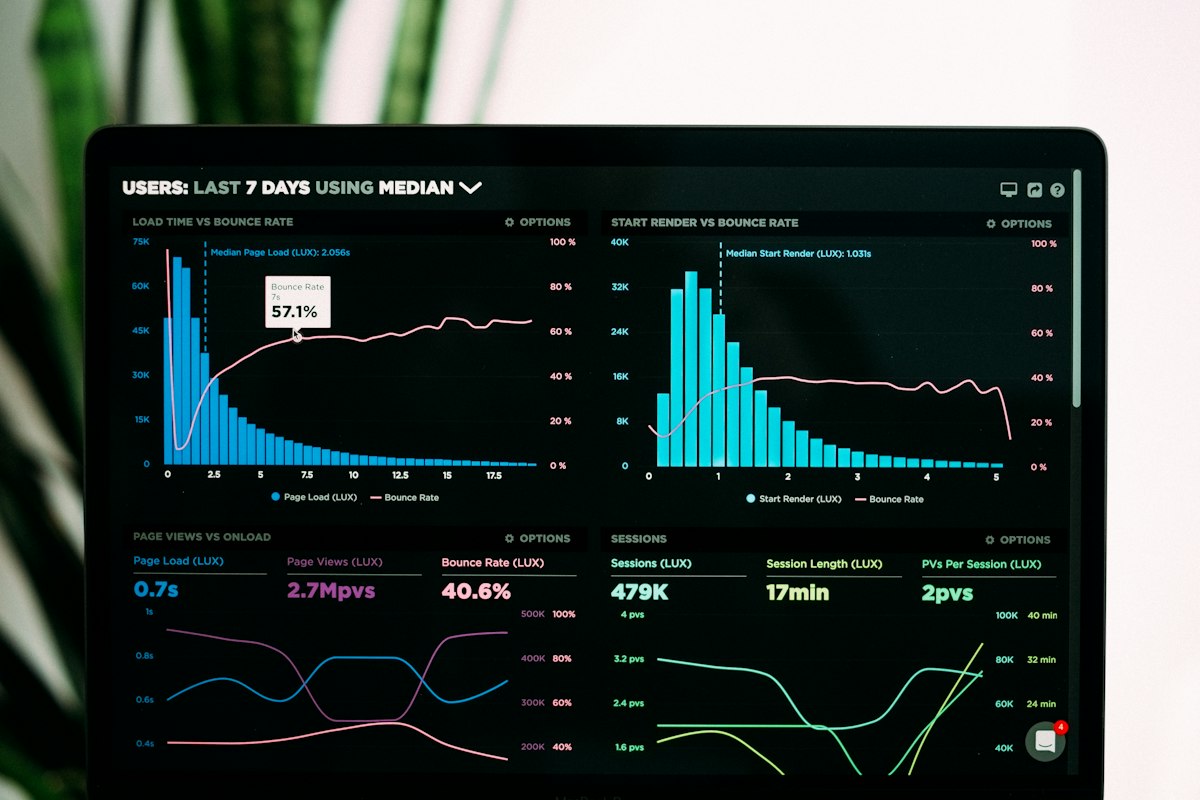
Website Analytics Setup with GA4 and Tag Manager: Track What Actually Drives Revenue
A proper analytics setup tracks the actions that matter to your business, such as form submissions, calls, bookings, and purchases, rather than just page views. GA4 and Google Tag Manager together let you define these events, verify them, and build reports that guide marketing and product decisions.
Many businesses install analytics once and never trust the numbers. Duplicate events, missing conversions, and unfiltered internal traffic make reports misleading.
Here is how to build a setup you can rely on.
What Should You Measure First?
Start with business goals, then translate them into trackable events.
- Lead forms submitted, with the form name.
- Phone and WhatsApp button clicks.
- Booking or appointment completions.
- Purchases with value, products, and currency.
- Key engagement such as pricing page views or brochure downloads.
How Do GA4 and Tag Manager Work Together?
GA4 stores and reports the data. Tag Manager is a container that lets you add and change tracking without editing site code each time. A developer places the container once, and marketers manage tags, triggers, and variables inside it, with preview and version history for safety.
How Do You Set Up Conversions Correctly?
Mark only the events that represent real business value as conversions. Test each event in preview mode, confirm it fires once per action, and check that values and parameters are correct. Avoid counting thank-you page reloads as multiple leads.
What About E-Commerce Tracking?
Use the standard e-commerce events such as view item, add to cart, begin checkout, and purchase, with consistent product IDs. This unlocks funnel reports showing where shoppers drop off.
How Do You Respect Privacy and Consent?
Collect consent where required, configure consent mode so tags respect user choices, avoid sending personal data such as emails to analytics, and keep your privacy policy accurate. Confirm the rules that apply to your audience and markets with a qualified advisor.
How Do You Keep Data Clean?
- Filter internal and developer traffic.
- Use consistent naming for events and parameters.
- Set up cross-domain tracking if you use multiple domains or a separate checkout.
- Link GA4 with Search Console and advertising accounts.
- Review data quality monthly.
What Dashboards Help Decision Makers?
Build a one-page dashboard showing traffic by source, leads or sales by channel, conversion rates by landing page, and cost per lead where advertising is involved. Looker Studio can pull from GA4, Search Console, and ad platforms so teams see the same numbers.
What Does Analytics Setup Cost?
A proper GA4 and Tag Manager setup with conversions and a dashboard commonly ranges from AED 3,000 to AED 15,000. E-commerce tracking with server-side tagging and advanced reporting often ranges from AED 12,000 to AED 40,000.
At The Codx, we set up analytics around your business goals, verify every event, and build dashboards that show which channels and pages actually produce leads and sales.
Frequently Asked Questions
What is GA4?
Google's current analytics platform.
What is Tag Manager?
A tool for managing tracking tags without code changes.
What is a conversion?
A valuable action such as a lead or purchase.
Do I need cookie consent?
Often yes, depending on your audience and markets.
Why are my numbers wrong?
Duplicate events, missing filters, or misconfiguration.
Can I track WhatsApp clicks?
Yes, as events.
What is Looker Studio?
Google's free dashboard tool.
How long does setup take?
Often one to three weeks.
How much does it cost?
Often AED 3,000 to AED 15,000.
How does The Codx help?
We set up and verify tracking and dashboards.